Other Assets Module
Other Assets covers equipment that isn't a full instrument or a uniform — keys, mouthpieces, mutes, stands, and similar accessories. It shares its permission tier with Instruments: anyone with Full access or Read-only on Instruments has the same on Other Assets.
Browsing & Searching Other Assets
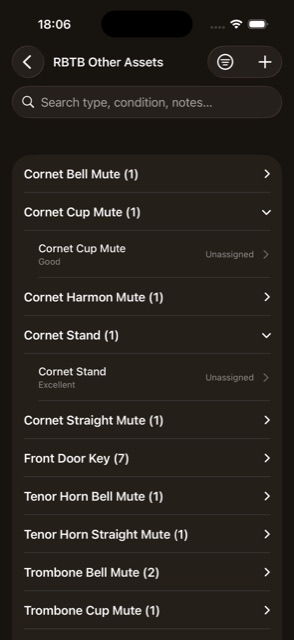
- Search — by type, condition, or notes.
- Grouped by asset type, alphabetically; within a group, sorted by assignee name, with unassigned items last.
- Filter sheet — Personal Items Only, Type, or Condition. Clear Filters resets everything.
- + button — add a new item. Full access only
- Swipe to delete. Full access only
Adding & Editing an Other Asset
This is a simpler form than Instruments — there's no Make/Model, Serial Number, or Inspections here. There's also no spreadsheet import for Other Assets; Import Home only offers Library, Members, Instruments, and Uniforms.
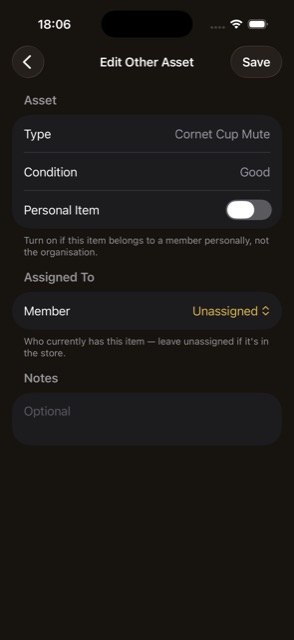
- Type, Condition — pickers with inline “add new.”
- Personal Item toggle.
- Assigned To — a member picker, plus a “View Profile” shortcut.
- Notes.